Acer
Aspire.
One device.
Four modes. Zero live action.
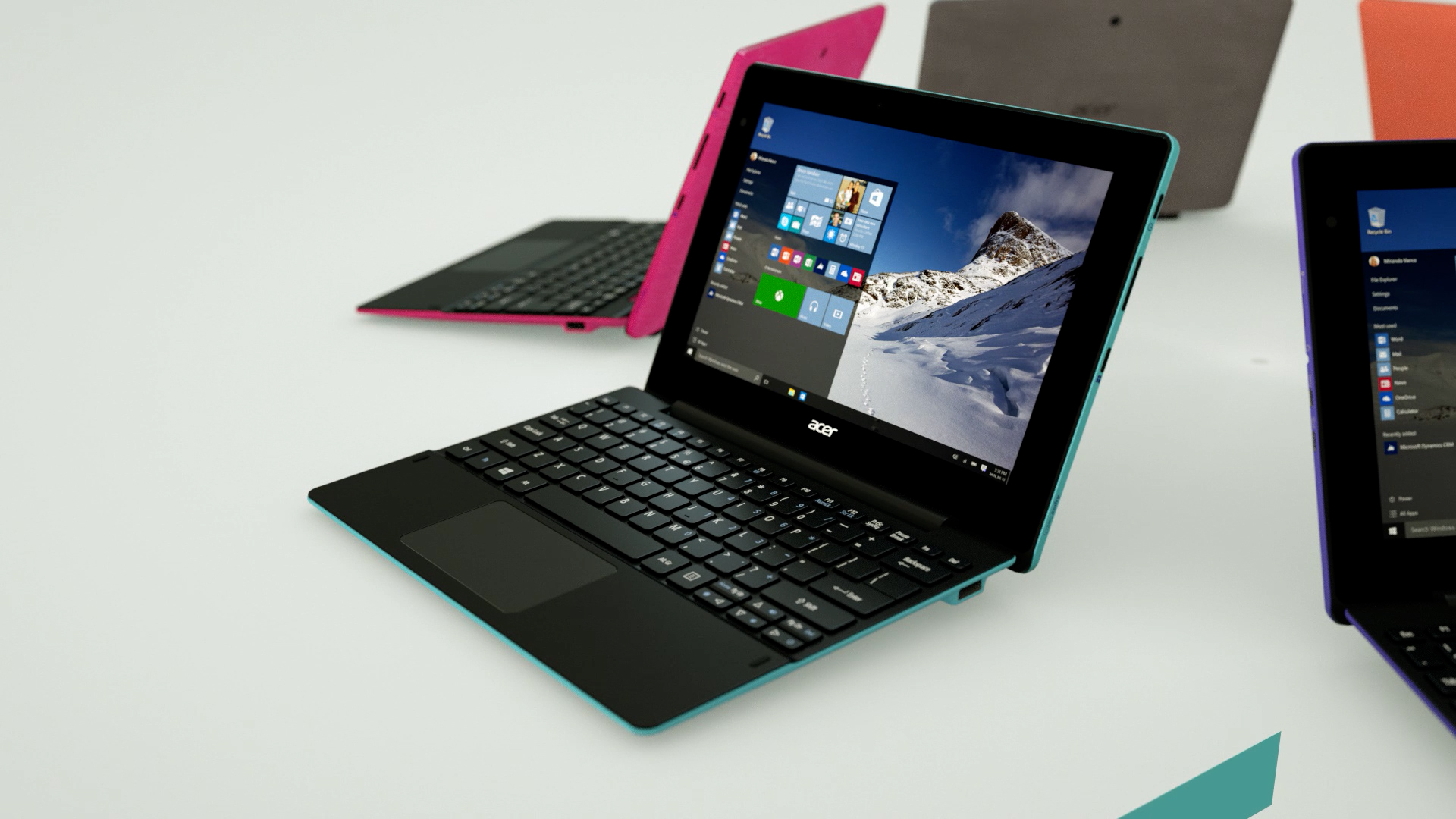
A self-set challenge: build a full product film for the Aspire Switch 10 E entirely in CG and see how far a fast build gets you. One tablet that clicks into a keyboard and works four ways, a story live action can't tell cleanly, so none of it was shot. The device was modelled from CAD and finished to match the real thing — the brushed-fabric lid, the magnetic snap hinge, the moulded keys — then lit on a clean studio set and animated through every mode: notebook, tablet, display and tent. Type lives inside the scene rather than on top of it, with teal callout tabs and floating UI riding along with the camera to land each feature: dual speakers, all-day battery, the spread of micro ports, the colour range. The on-screen content was composited in After Effects over the renders, so it's a mix of CG and post.
This was built fast and it shows in places. Properly delivered for production you'd give it two or three weeks, and there are camera moves whose curves need smoothing, a few composited shots to tidy, parts that would bear rethinking, and a temp music track with an audible watermark. None of that is hidden because it isn't the point. The point is how much ground a clean product piece can cover in a short build — head down, just making it — when the alternative is a shoot that can't show four modes in one take.
Concept,
built fast.
One build,
every angle.
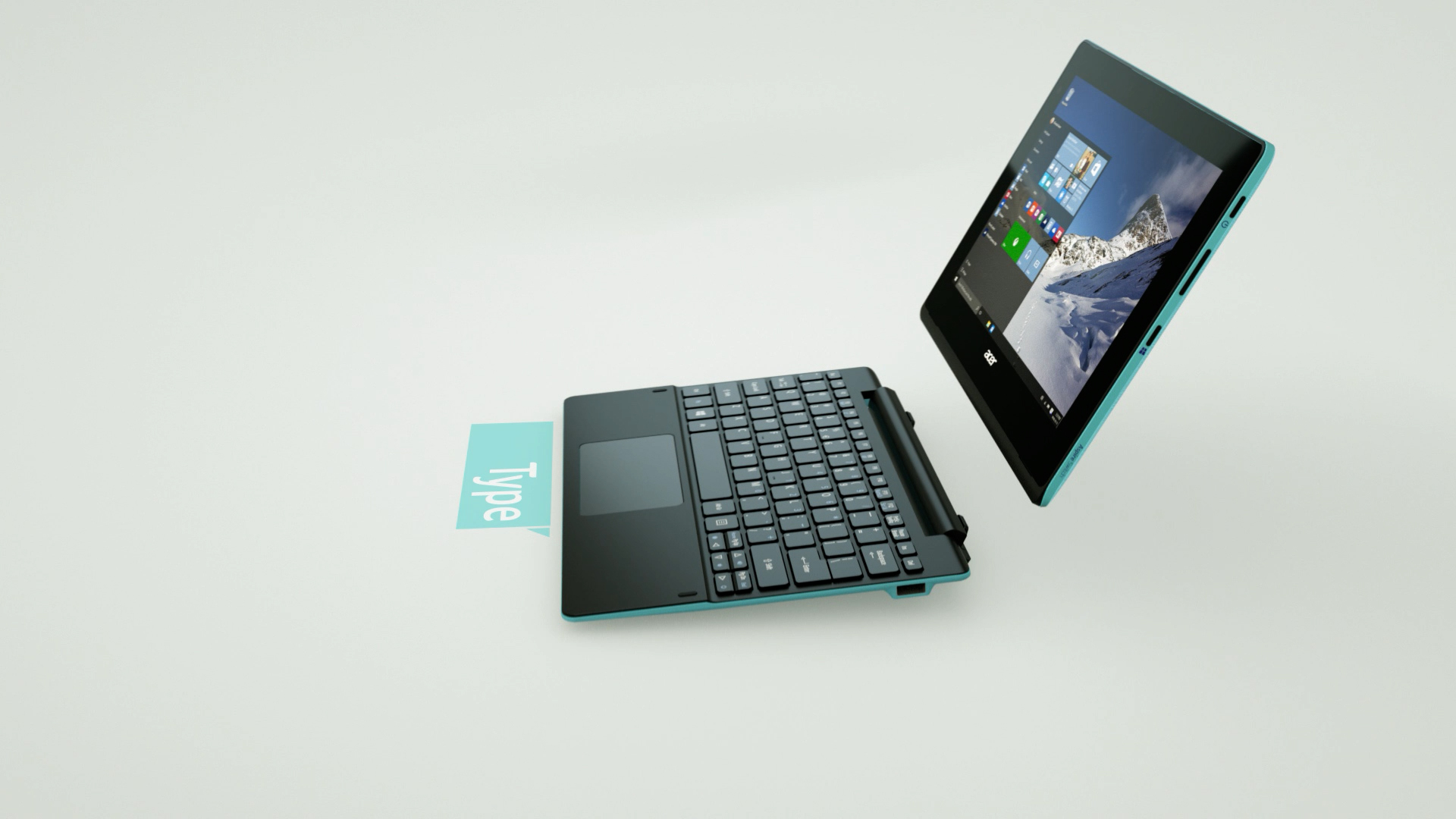
Tablet, meet keyboard
The snap-hinge release, caught mid-air as the tablet lifts clear of the dock. The whole transformation is keyframed, not filmed.
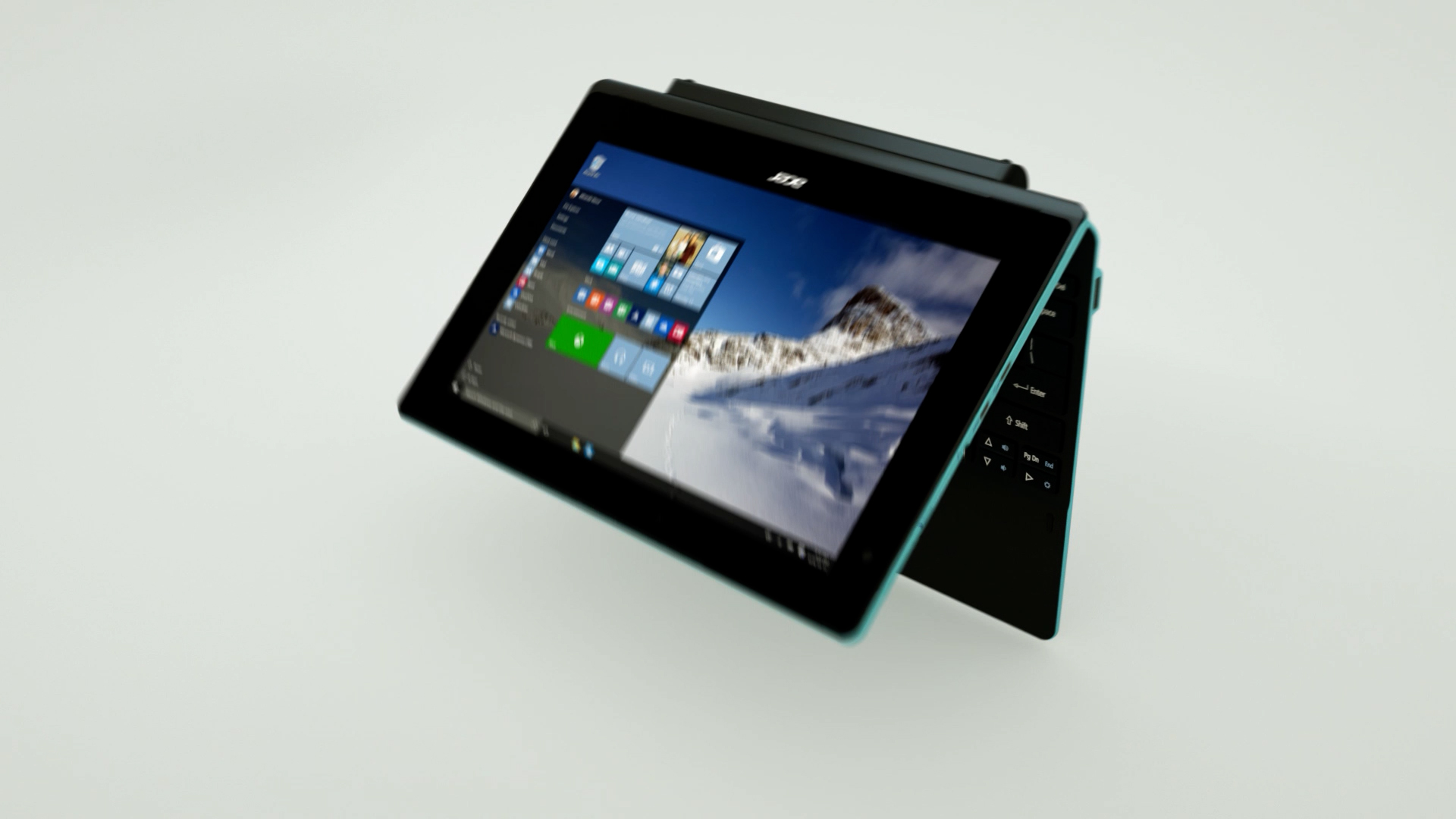
Folded for the front row
Tent mode for a film or a recipe — one of four postures the same device folds into, each staged as its own beat in the edit.
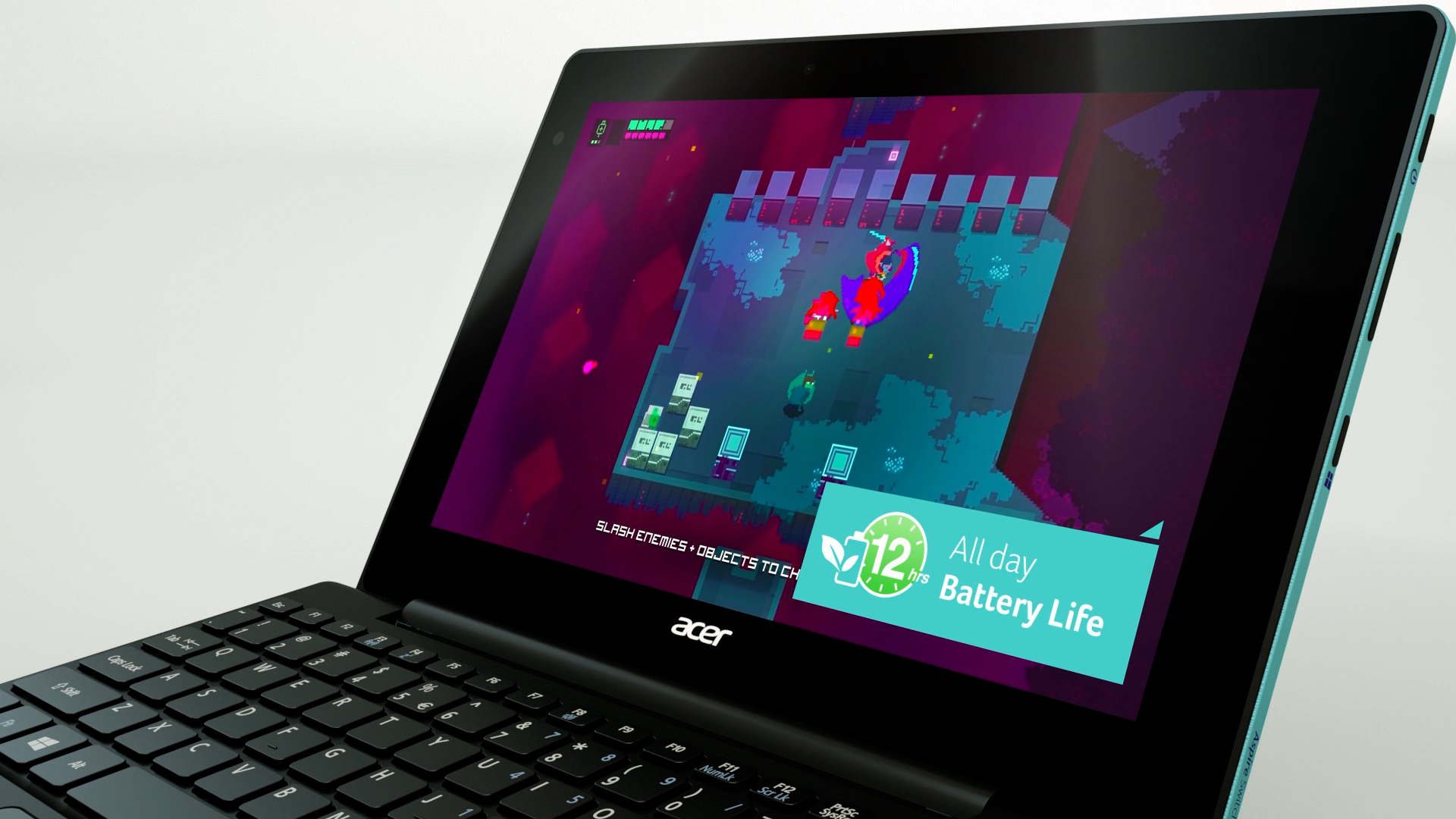
A display worth showing
Every pixel on the panel is rendered in scene — games, desktop, video — so the screen never reads as a flat composite. Here the all-day battery claim rides alongside.
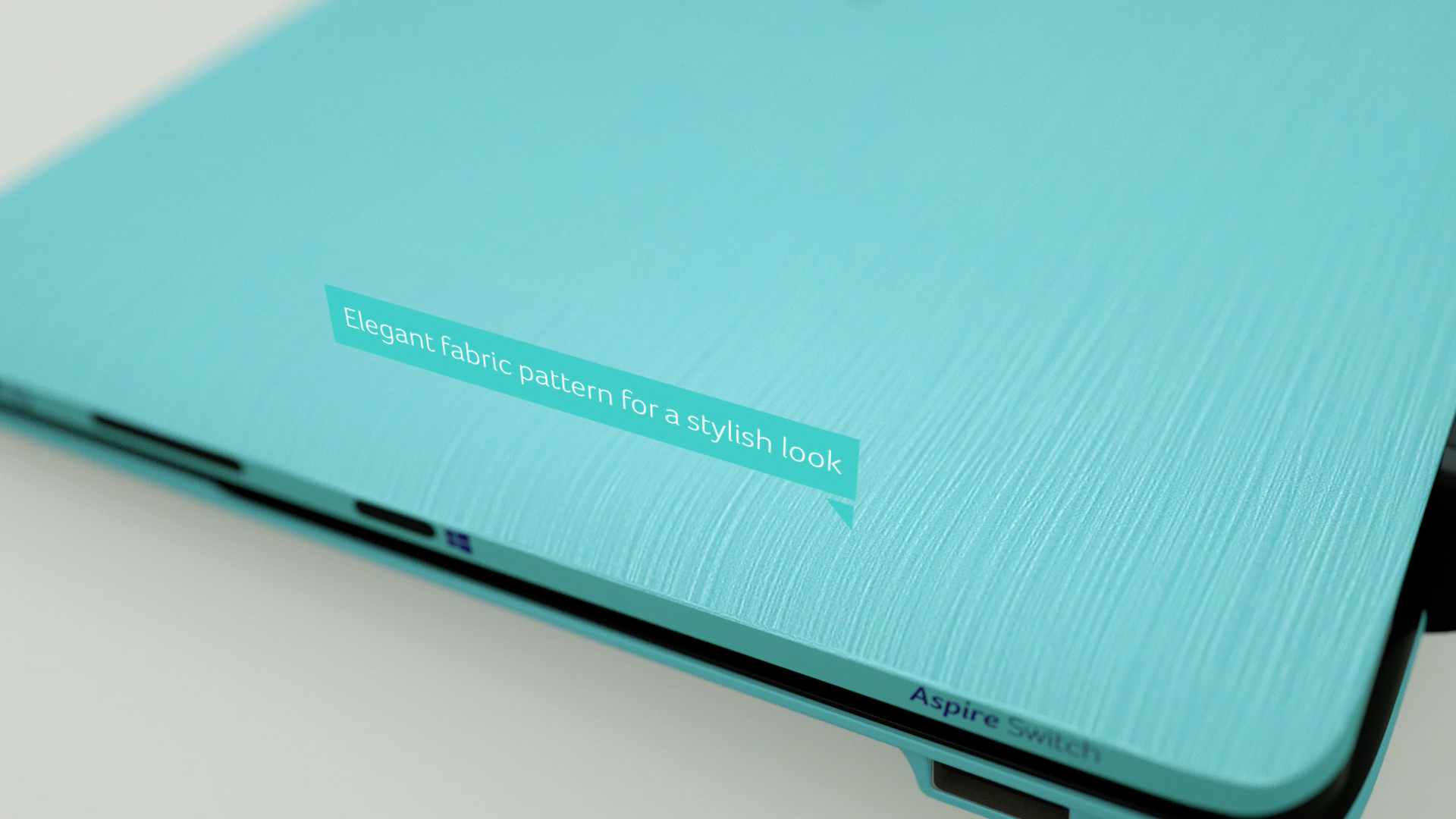
Texture you can feel
A macro pass across the brushed-fabric lid — the woven finish modelled and shaded to survive a close-up no product camera would risk.
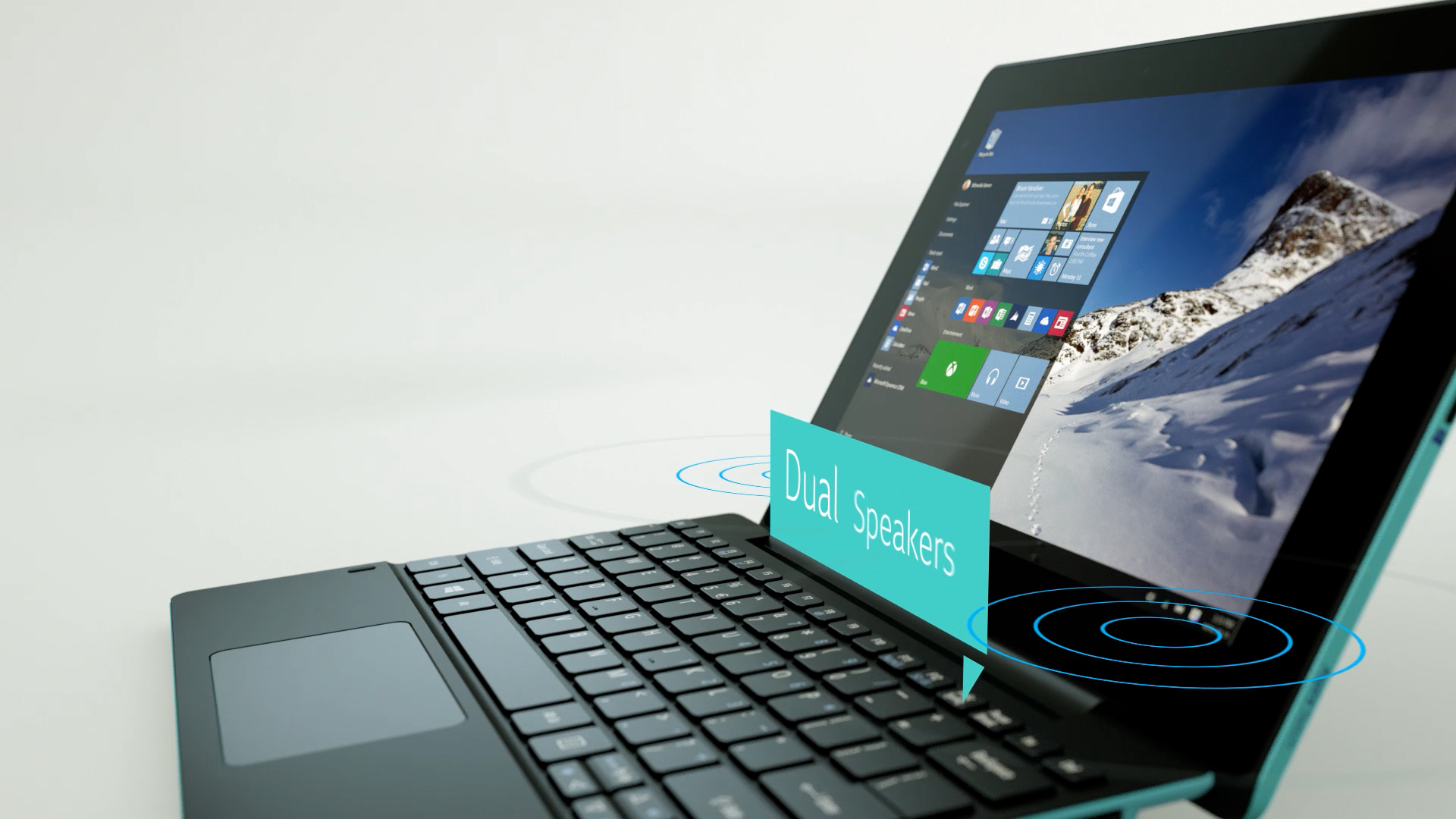
Type inside the scene
Floating callouts and sound-wave rings sit in 3D space with the product, tracking the camera — motion design that explains a feature without cutting away.
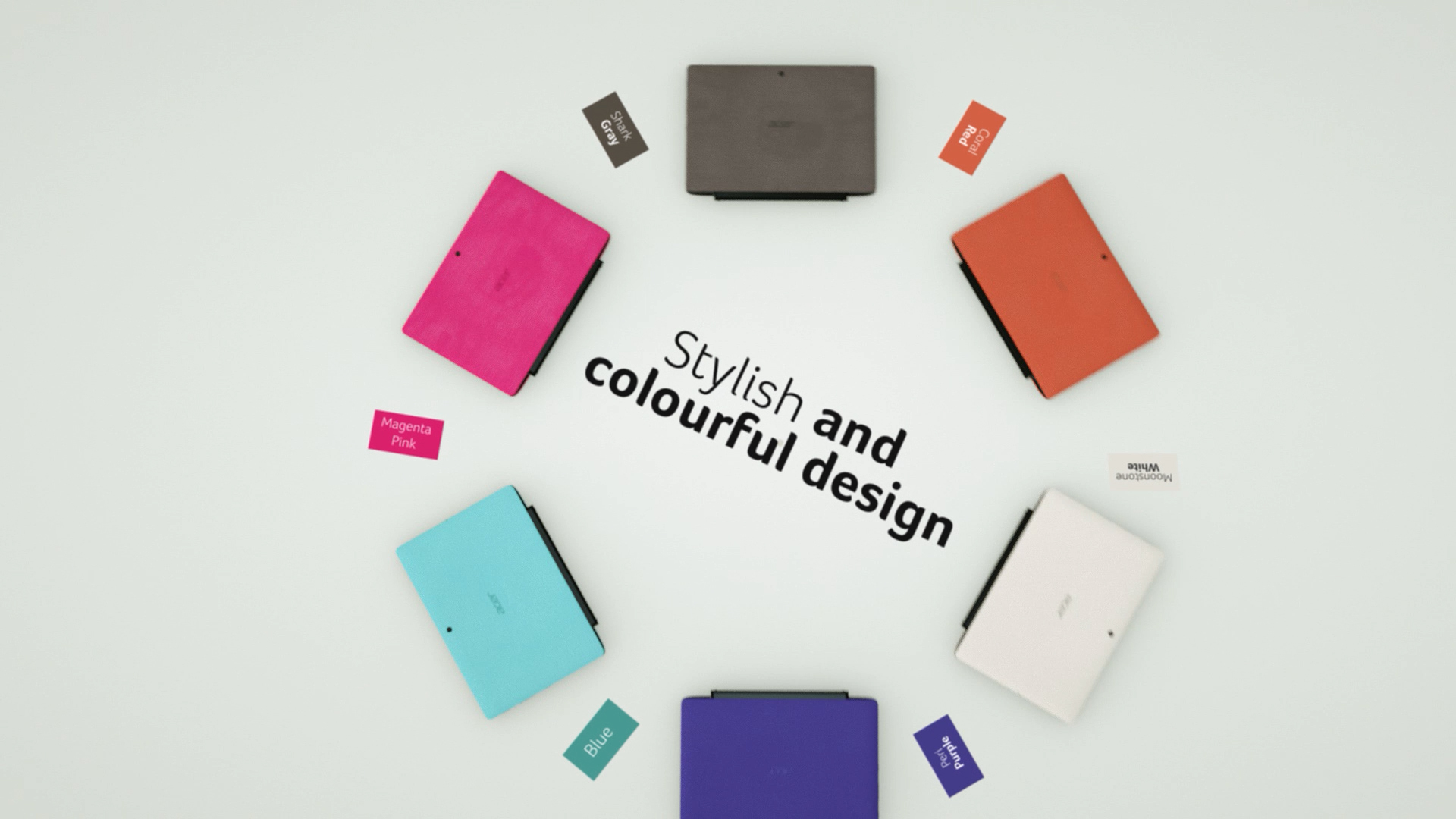
The full spread
Every cover colour fanned into formation in a single render — the campaign's design-led close, no compositing.